Runs in your browser. Nothing uploads. No watermark.
Start cards, end cards and thumbnails for your Reels, Shorts and YouTube videos
Drop in a clip, set your series tag and words, and wrap it in a branded start card, end card or both, with matching thumbnails in every size. Your video never leaves your device, and nothing gets a watermark.


- No upload: your video stays on your device
- No sign-up and no watermark
- 5 designs: bold, minimal, panel, band, editorial
- Start card, end card or both, in every common size
1. Add your clip
Thumbnail · 1080×1920 · JPG
Designs / 05
Five designs, one clip
The same frame and the same words, laid out five ways. Pick one, or make all five at once.
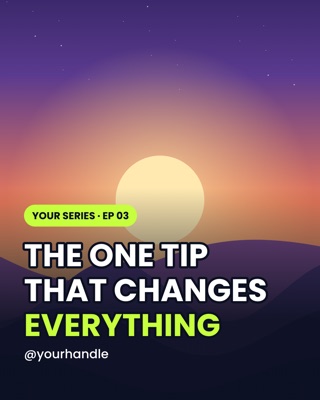
Bold
Big centred type with a pill tag.
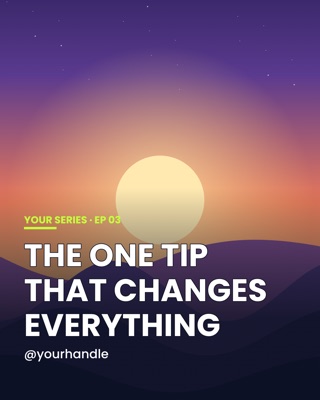
Minimal
Left-aligned, no boxes, one accent line.
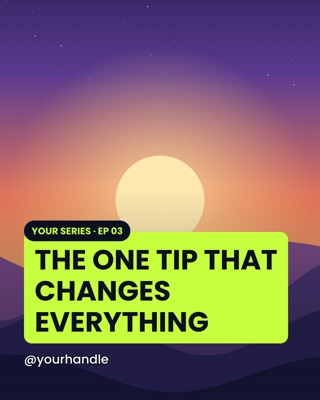
Panel
Text sits in a solid box over the photo.
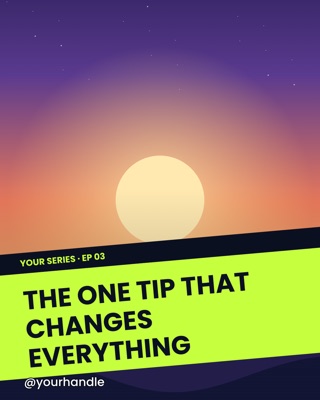
Band
An angled colour band across the frame.
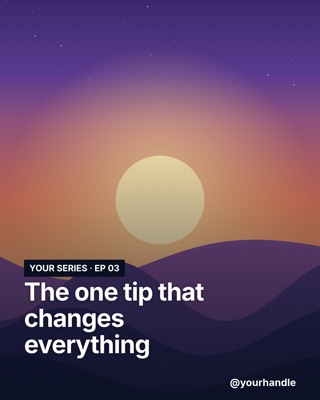
Editorial
Small tag, tight headline, any position.
What ClipWrapper makes
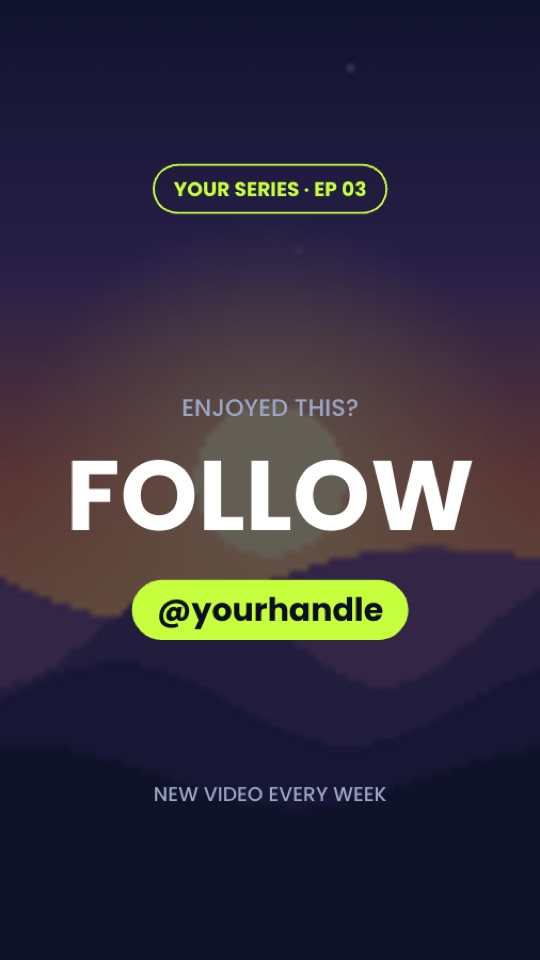
Short branded cards with a series tag, a big word such as WATCH or FOLLOW, a line above it, your handle and a footer. Add a start card, an end card or both, each with its own words and look.
Put a card before or after your clip for a longer video, or over its first or last seconds to keep the length and sound. Or export a card on its own. Pick several and make them all at once.
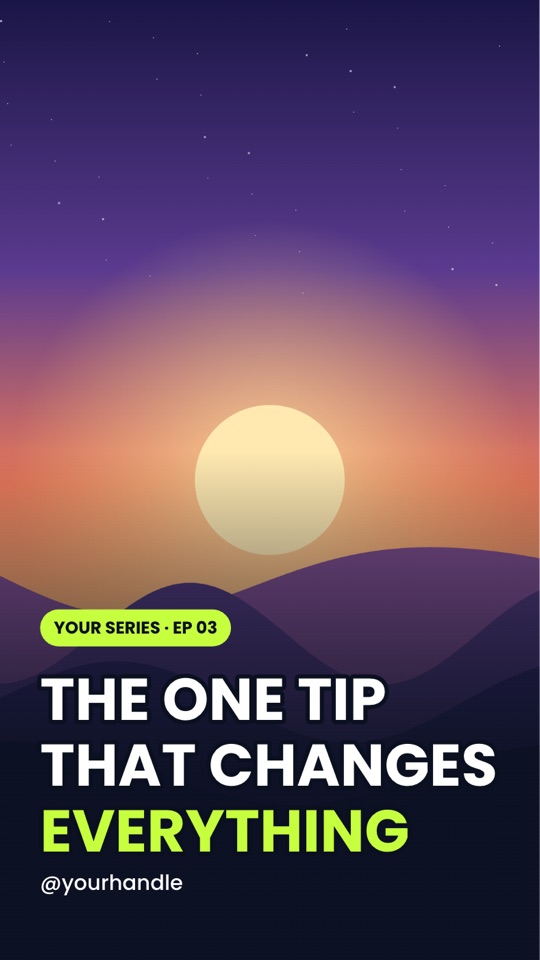
Pick the best frame from your clip, add a headline and export it in the same design as your cards. Blur or sharpen the main video, or the space around it.
Bold, minimal, panel, band and editorial, with six fonts, your colors, blurred or plain backgrounds, an optional transparent backdrop, and editorial text at the top, middle or bottom.
Reel and Short 1080×1920, feed portrait 1080×1350, square 1080×1080 and YouTube 1920×1080, plus a 1280×720 YouTube thumbnail.
Drawing and recording happen in your own browser tab. Nothing is uploaded and there is no account, so unreleased footage stays with you.
How it works
- Add your clip. A video or an image. A preview appears straight away, and you can try the built-in sample first.
- Choose what to make. A thumbnail, a video or both. For video, pick a start card, an end card or both. The form then shows only what you need.
- Pick designs and sizes. Choose from bold, minimal, panel, band and editorial, in as many formats as you need.
- Set your words and look. Series tag, handle, big word, line above and footer, plus font and colors. Thumbnails, start cards and end cards can all differ.
- Choose the videos. Clip with an end card, start card with the clip, both cards around it, or just a card on its own, before or after the clip or over it.
- Export. Thumbnails save as JPG images. Videos are recorded by your browser and saved as MP4 or WebM. Save everything together as one .zip.